Guests can order without losing staff control.
QR sessions respect open-table state, allergies, menu timing, category placement, and current terms acceptance.
TableFlow1 helps table-service restaurants run guest ordering, floor status, station tickets, payments, receipts, and manager controls from one live workflow.
 Live service, not a back-office demo
 Kitchen handoff stays visible
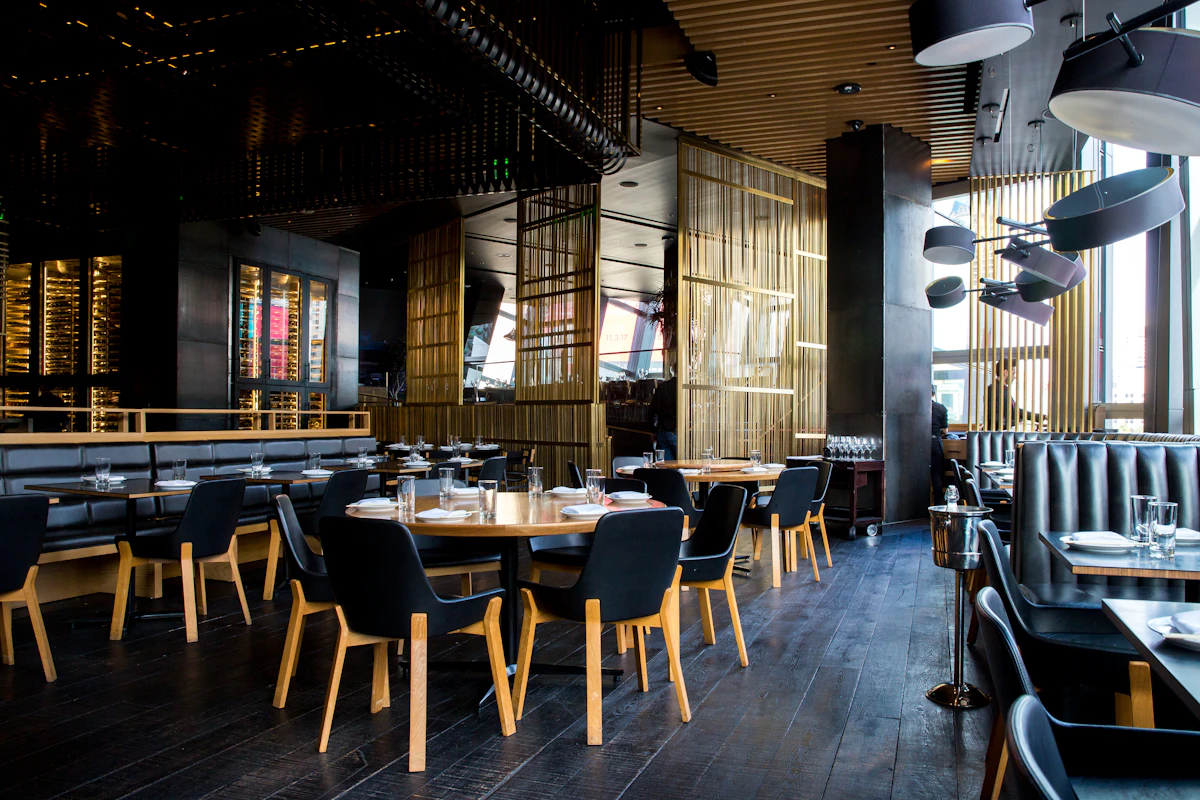
Prospects should immediately see a product grounded in real hospitality moments: guests ordering, staff watching the floor, stations preparing tickets, and managers keeping the shift accountable.


Most restaurant tools handle one slice well. TableFlow1 focuses on the handoff points: customer to server, server to station, station back to floor, payment to receipt, and every sensitive action to the audit trail.
QR sessions respect open-table state, allergies, menu timing, category placement, and current terms acceptance.
Floor status, server requests, item delivery, table alerts, and payment state live in the same operating view.
Roles, approvals, taxes, receipts, privacy, closeout, and payment records are handled as operating controls.
Most restaurants patch together an old POS terminal, static PDF QR codes, and paper slips. TableFlow1 unifies ordering, kitchen routing, live floor triage, and Stripe payment into one synchronized workflow.
| Service Moment | Traditional Legacy Setup | TableFlow1 Connected Operations |
|---|---|---|
| Menu & Ordering |
Friction point
Static PDF QR or server notepad
Guests pinch and zoom awkward PDF links with no allergen search. Servers write orders on pads, causing delays and illegible kitchen errors. |
TableFlow advantage
Live responsive QR menu & allergy tags
Lightning-fast mobile menu with dietary filters, item modifier groups, and real-time 86 item hiding synchronized dining-room wide. |
| Floor Awareness |
Blind spots
Guessing table stages from across the room
Servers must physically visit each table to check if food has arrived, drinks need refilling, or guests are waiting for checks. |
TableFlow advantage
Live triage floor board & guest alerts
Real-time dining room grid flags seated duration, food ready notifications, guest server requests, and paid status instantly. |
| Kitchen Pacing |
Ticket dumping
Batch entry bottlenecks the line
Servers hold 3-4 table orders before walking to the terminal, dumping tickets all at once and overwhelming line cooks. |
TableFlow advantage
Instant station routing & pacing
Items route smoothly to dedicated kitchen and bar screens as placed, displaying item countdowns, modifications, and allergy highlights. |
| Hardware Reliability |
Single point of failure
Paper jams & offline printers
When a thermal printer runs out of paper or drops Wi-Fi, orders vanish silently, resulting in comped meals and furious guests. |
TableFlow advantage
Dual-rail digital screens & PDF fallback
Station screens track ticket queues with 1-click manual PDF generation and printable recovery logs on any backup tablet or phone. |
| Bill Pay & Table Turns |
The 4-trip shuffle
12–18 minutes wasted per table
Server drops paper bill, returns to pick up credit card, runs card at station terminal, and returns receipt for signature. |
TableFlow advantage
Instant guest self-pay via Stripe
Guests review their itemized tab, split bills, and pay with Apple Pay, Google Pay, or Card in 30 seconds. Tables turn 12–15 minutes faster. |
| Shift Closeout |
End-of-night slog
60–90 minutes of paper receipts
Managers reconcile paper slips, manual tip adjustments, and terminal batch reports, searching for missing charges. |
TableFlow advantage
1-click reconciled business day close
Automated Stripe settlement matching, shift cash balance summaries, role-scoped permission locks, and verifiable audit logs. |
Phase 2 of the public site explains the product in operational language so owners, managers, and staff can immediately understand where TableFlow1 fits.
The guest scans a QR code, accepts the current terms when required, sees compact or expanded menu items, and keeps profile details like allergies available across TableFlow restaurants.
Submitted items create kitchen and bar tickets with modifiers, timing, PDF fallback, print history, and station status transitions.
Servers and managers can see table status, customer requests, bill state, covers, assignment, and stale-sync warnings without leaving the dining-room workflow.
Stripe Checkout, offline payment recording, receipt PDFs, email receipts, confirmation codes, tax lines, and closeout reporting connect back to the bill.
These sections give buyers a quick scan of the real TableFlow1 surface area without exposing internal admin complexity on the homepage.
Guests can browse by food, drinks, dessert, specials, and item detail level while the restaurant keeps order rules authoritative.
Server tools are designed around active service instead of buried admin screens.
Printed tickets, PDF ticket previews, Android station app support, and print history help when hardware fails.
TableFlow1 can send customers to Stripe Checkout, then store the payment confirmation details staff and accounting need.
Restaurant setup is handled through focused editors for the operational records that change most often.
Terms acceptance, privacy requests, role permissions, and sensitive actions are designed to leave a useful trail.
Phase 4 adds a role-based story so buyers can understand how TableFlow1 supports the people working the floor, stations, and manager desk during the same service window.
Focus on fewer handoff gaps, cleaner payment records, and a clearer path from customer order to closeout.
Manager workflows stay close to table state, bill actions, staff permissions, station recovery, and end-of-day reporting.
Servers can see table alerts, bill state, item readiness, delivery actions, and customer requests in the service flow.
Station tickets carry table, course, modifier, allergy, and timing context so prep teams are not guessing from partial notes.
Customers can use QR ordering while the restaurant still controls table sessions, menu timing, allergies, and payment records.
Site admins manage menus, categories, modifiers, staff, stations, taxes, receipts, privacy, and Stripe settings from focused tools.
The walkthrough library is organized around the jobs a restaurant team actually performs. Actual clips can be dropped into these slots once recordings are available.

Guest scans the table QR, sees an open session, adds items, and moves into hosted Stripe payment.

Server sees live table state, guest alerts, food readiness, bill requests, and payment visibility.

Kitchen ticket routes to the station, then the web app shows the same ticket as a PDF fallback.
Estimate the operational value of accelerating table turns by 12–15 minutes, eliminating the server payment shuffle, and boosting add-on items with responsive digital ordering.
Adjust the sliders below to match your restaurant's floor volume and guest check averages.
Projected monthly operational improvements based on live table-service benchmarks.
TableFlow1 is positioned for operators who need QR ordering, live floor awareness, station ticket recovery, and payment visibility to work together during service.
Dining rooms where servers still own hospitality, but guests benefit from faster ordering, payment, and bill control.
Teams that want station tickets, PDF fallback, print history, and clear recovery when hardware or network links misbehave.
Operators who need role permissions, Stripe confirmation details, receipts, closeout, consent, and action history in one place.
The public site now explains how a restaurant could evaluate TableFlow1 without guessing whether the pilot means only QR menus or a full operating workflow.
For a restaurant that wants to test QR ordering, customer profile behavior, table sessions, and basic staff monitoring before station rollout.
For a table-service restaurant that wants the full operating story: ordering, staff control, station tickets, Stripe payment, receipts, and audit trail.
For operators who want to validate setup depth, permissions, terms/privacy, tax rules, closeout, receipt templates, and audit reporting.
The homepage now gives owners a concrete sense of what happens after they ask for a demo, without promising a one-click enterprise rollout.
Map tables, stations, menus, payment expectations, printer recovery needs, staff roles, and the service moments where TableFlow1 should help first.
Configure site details, menu categories, modifiers, tables, QR entry, stations, receipt templates, tax rules, payment settings, and staff access.
Run one controlled service window with staff using floor state, station tickets, payment visibility, manual PDF fallback, and manager review.
Use order flow, ticket recovery, customer requests, receipts, and closeout feedback to tune the restaurant workflow before expanding usage.
These are the practical signals the product story should keep returning to as videos, screenshots, and case studies are added.
Staff can see guest requests, table state, station status, bill state, and payment details without guessing which system has the truth.
Station print history and PDF ticket fallback give managers a manual path when printers, Android devices, or network links fail.
Terms acceptance, Stripe confirmation details, receipts, tax lines, role-gated actions, and closeout artifacts stay connected to the bill.
TableFlow1 is not trying to be every back-office system on day one. The public positioning should make the pilot promise clear: connect customer ordering to the people who run service.
This FAQ keeps the public site grounded in the real pilot scope while leaving room for deeper sales material later.
No. The product is built for table-service restaurants where staff still manage hospitality. QR ordering should reduce friction while keeping servers and managers in control of table state, requests, payments, and exceptions.
Yes. The intended flow is hosted Stripe Checkout for card payment, with TableFlow1 receiving confirmation through Stripe and showing paid status plus confirmation details on receipts and staff views.
Station ticket history includes a PDF fallback path so staff can manually view and print what the kitchen or bar should have received.
Customer profile details such as contact information and allergies are designed to follow the customer across TableFlow restaurants when the customer signs in.
Never. Guests simply point their smartphone camera at the table QR code and the web menu opens instantly in under 3 seconds in Safari, Chrome, or any mobile browser. There are zero app store downloads, no required passwords, and no friction.
Hospitality data consistently shows the opposite: guests tip higher (typically 18%–22%) when presented with clear, frictionless digital tip prompts, and servers spend far less time running bills or punching orders into POS terminals, freeing them up to focus on genuine guest hospitality and recommendations.
None. TableFlow1 runs on consumer iPads, Android tablets, smartphones, or desktop browsers you already own. You do not need to purchase expensive proprietary $2,000 terminals or lock into long hardware lease agreements.
The current positioning is a pilot for table-service operations. Counter service, multi-location enterprise rollout, and deep POS replacement should be evaluated separately.
Book a 20-minute operational walkthrough with the TableFlow1 team at Hentero. We shape the session directly around your floor layout, station setup, and service bottlenecks.
Request a walkthrough focused on guest ordering, live floor control, station tickets, Stripe payments, or manager administration.